
Back to All Tutorials
Website Builder for Photographers
PicsDrop step-by-step video watch page. Learn how to configure your account.
Video Walkthrough Transcript & Guide
Build a professional online presence with the custom website builder. PicsDrop allows you to publish three types of sites: a main photographer portfolio website (WEBSITE), hosted event galleries (HOST), and corporate profile pages (CORPORATE).
Website builder settings include:
- Left Sidebar Control Panels: Customize your site across four tabs: Sections (toggle headers, footers, heroes, gallery layouts, scheduling tables, videos, and price cards; reorder sections; or clone/rename sections), Theme (set color schemes, typography, and button styles), SEO (configure page titles, keywords, and description tags), and Publish (manage drafts and custom URL subpaths).
- Device Viewport Previews: Instantly toggle the preview canvas between desktop, tablet, and mobile device frames to verify your website's responsiveness.
- Interactive Section Selection: Click directly on elements inside the preview iframe to automatically scroll to and open that section's editing panel in the sidebar.
- Keyboard Shortcuts & Safeguards: Work efficiently with Cmd/Ctrl + S to save, Cmd/Ctrl + Z to undo changes, and Cmd/Ctrl + Y to redo edits. The builder performs live plan checks (maxHostedWebsites validation) with upgrade portals for adding additional sites.
Other Video Tutorials

How PicsDrop Works

Dashboard Overview & Analytics

Create Event, Upload Photos & Share QR Code

Smart Booking & Calendar Management

Notes & Reminders Management

Website Builder for Photographers

AI Face Recognition Photo Sharing App for Photographers
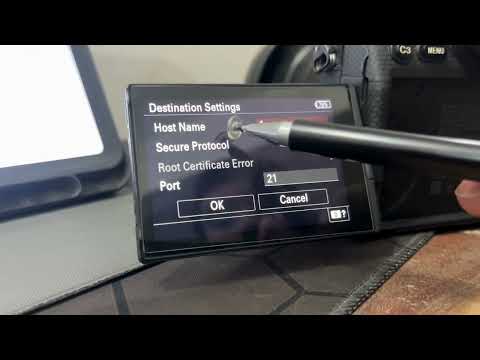
How to Connect Your Camera to PicsDrop Using FTP | Complete Setup Guide
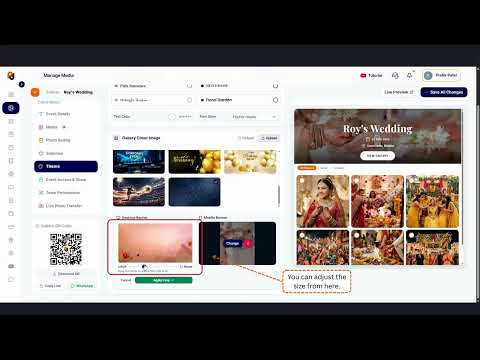
How to Customize Your Event Banner on PicsDrop | Step-by-Step Tutorial
How to Enable One Event QR Code on PicsDrop | Step-by-Step Tutorial

How to Design a Custom QR Standee on PicsDrop | Step-by-Step Tutorial
How to Use Photo Selection Feature in PicsDrop | Step-by-Step Tutorial

How to Sell Photos Online with PicsDrop | Photo Selling Feature Tutorial

How to Manage Store & Orders on PicsDrop | Step-by-Step Tutorial

How to Create an Event - TUTORIAL | PICSDROP

Event Details - TUTORIAL | PICSDROP
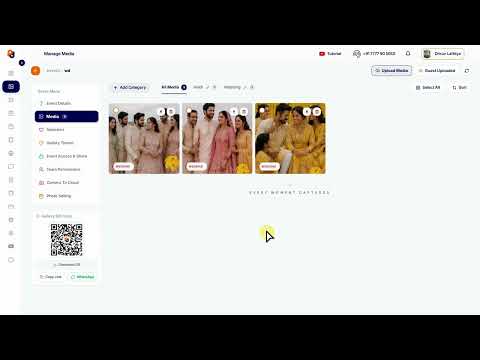
Upload Media - TUTORIAL | PICSDROP

Media Selection Feature - TUTORIAL | PICSDROP

Gallery Theme - TUTORIAL | PICSDROP

Event Access & Share - TUTORIAL | PICSDROP
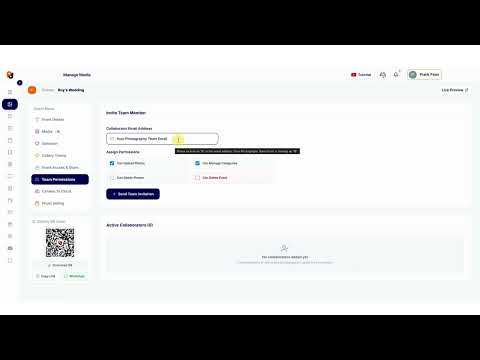
Team Permission Feature - TUTORIAL | PICSDROP
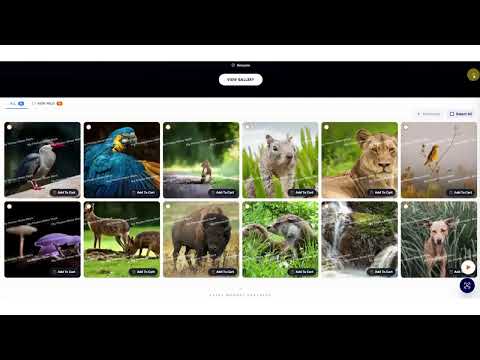
Photo Selling Feature - TUTORIAL | PICSDROP
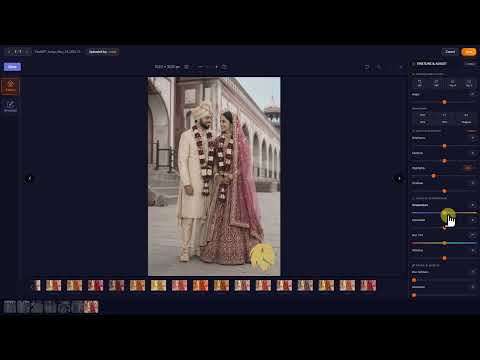
Photo Edit Feature - TUTORIAL | PICSDROP
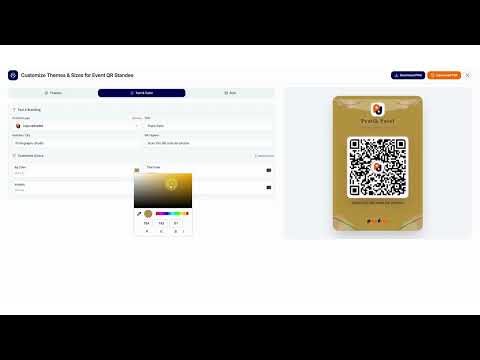
Universal QR Feature - TUTORIAL | PICSDROP

Sold Media Feature - TUTORIAL | PICSDROP
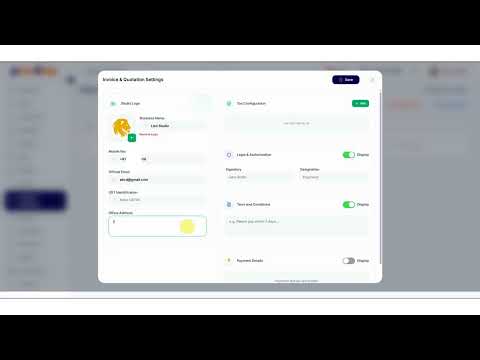
Invoice Business Details - TUTORIAL | PICSDROP
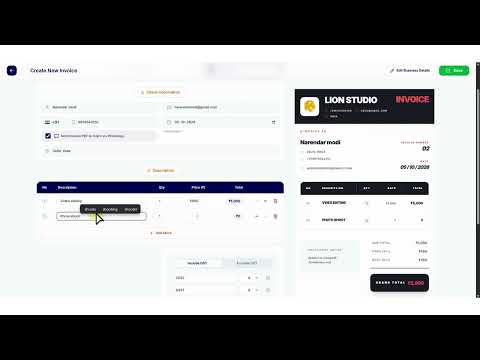
Invoice - TUTORIAL | PICSDROP
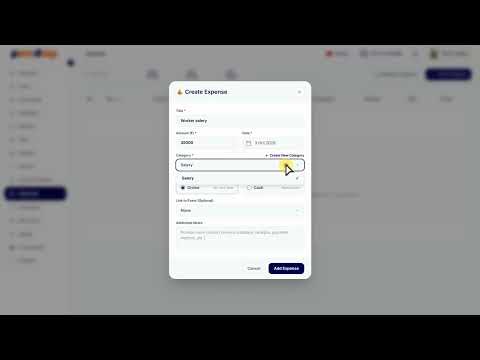
Expense Feature - TUTORIAL | PICSDROP

Refer & Earn - TUTORIAL | PICSDROP