
Back to All Tutorials
AI Face Recognition Photo Sharing App for Photographers
PicsDrop step-by-step video watch page. Learn how to configure your account.
Video Walkthrough Transcript & Guide
PicsDrop is an AI Face Recognition Photo Sharing platform that helps photographers upload, organize, and share event photos instantly. Guests simply scan a QR code, upload a selfie, and find all their photos in seconds.
Perfect for weddings, corporate events, birthdays, school events, concerts, sports events, and every type of event. Create beautiful event albums, showcase your photography portfolio, accept event bookings, and deliver photos faster with a seamless client experience.
Other Video Tutorials

How PicsDrop Works

Dashboard Overview & Analytics

Create Event, Upload Photos & Share QR Code

Smart Booking & Calendar Management

Notes & Reminders Management

Website Builder for Photographers

AI Face Recognition Photo Sharing App for Photographers
How to Connect Your Camera to PicsDrop Using FTP | Complete Setup Guide

How to Customize Your Event Banner on PicsDrop | Step-by-Step Tutorial

How to Enable One Event QR Code on PicsDrop | Step-by-Step Tutorial

How to Design a Custom QR Standee on PicsDrop | Step-by-Step Tutorial
How to Use Photo Selection Feature in PicsDrop | Step-by-Step Tutorial
How to Sell Photos Online with PicsDrop | Photo Selling Feature Tutorial

How to Manage Store & Orders on PicsDrop | Step-by-Step Tutorial

How to Create an Event - TUTORIAL | PICSDROP

Event Details - TUTORIAL | PICSDROP

Upload Media - TUTORIAL | PICSDROP

Media Selection Feature - TUTORIAL | PICSDROP

Gallery Theme - TUTORIAL | PICSDROP

Event Access & Share - TUTORIAL | PICSDROP

Team Permission Feature - TUTORIAL | PICSDROP
Photo Selling Feature - TUTORIAL | PICSDROP
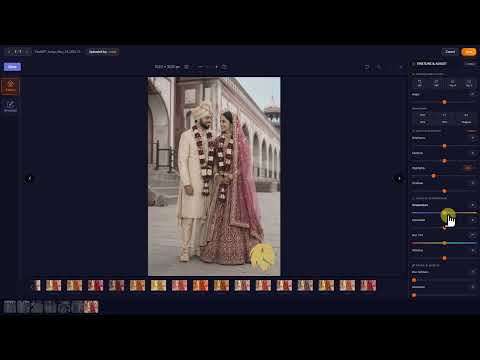
Photo Edit Feature - TUTORIAL | PICSDROP
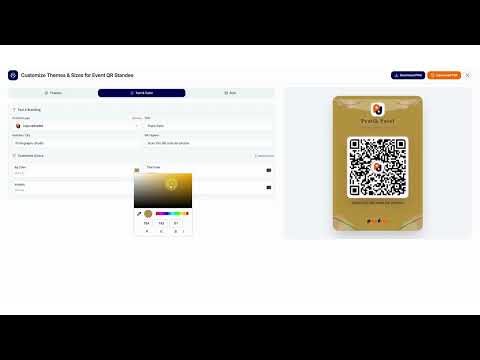
Universal QR Feature - TUTORIAL | PICSDROP

Sold Media Feature - TUTORIAL | PICSDROP

Invoice Business Details - TUTORIAL | PICSDROP

Invoice - TUTORIAL | PICSDROP

Expense Feature - TUTORIAL | PICSDROP

Refer & Earn - TUTORIAL | PICSDROP